Smart Hybrid technology by Maruti Suzuki is a step towards cleaner mobility, offering excellent drivability and enhanced fuel efficiency.
In a day and age when ‘smart’ is the trending word; you can’t help but take notice of it when it is prefixed to cars. As India sees a paradigm shift in terms of updated regulations and technological advancements, it’s only prudent for us to keep pace with all that’s coming into the market. Before we move towards eco-friendly, zero-emissions electric cars, there’s a lot we need to know about the technologies that are currently making it easier for us to breathe, quite literally at that!
Smart Hybrids are great to drive and they offer better fuel efficiency too, something that is right there in the heart of many Indian car buyers. In fact, the concept of Smart Hybrid has gone beyond that and is a lifestyle statement now. But before you decide to buy one, it is important to understand this technology. Maruti Suzuki has been bringing cars to India with the Smart Hybrid system for a while now. The company, in fact, has introduced this hybrid system in most of its line-up, XL6 being the latest of them all and yes, this is the future and it is available now for one and all in the country.
Smart Hybrid comes with Automatic Start/Stop and Torque Assist to improve fuel efficiency
Getting to grips with the Smart Hybrid Technology
So why does Maruti Suzuki call it a ‘Smart Hybrid’? Maruti Suzuki’s Smart Hybrid System comes under the Mild Hybrid category and offers advantages like good fuel economy and better drivability, not to forget improved performance.
Maruti Suzuki’s Smart Hybrid System uses an ISG (Integrated Starter Generator) and an advanced dual-battery system, which assists the engine’s power during acceleration, thereby resulting in improved engine efficiency. The ISG generates electricity through regenerative braking to keep the dual battery set-up charged. The kinetic energy that is generated while slowing down is converted to electric energy and then stored in the car’s advanced dual battery setup, which, in turn,effectively increases the efficiency and performance.
The other function that the Smart Hybrid system gets is Idle Stop/Start. If your car is standing still, say at a traffic light or even if you are waiting for someone and have kept the engine on, this system shuts off the engine. Once you are ready to go, pressing the clutch activates the ignition and the car is started again, thus making sure that there’s no fuel loss when the car is in idle.
In today’s scenario where frugality and saving the environment are the key discussion topics, it is great to know that an Indian manufacturer took a head-start as early as 2015with the introduction of Smart Hybrid in its line-up.
Time to make a decision
With the rising level of emissions in metro cities in India, it is only a matter of time before mild hybrids become the norm. Maruti Suzuki, with its Smart Hybrid technology on a wide range of cars, has already taken the leap to contribute towards cleaner and greener mobility. The technology today is available on Maruti Suzuki Ciaz, Ertiga, S-Cross, Baleno, and XL6. Considering the price of these Smart Hybrid cars in India by Maruti Suzuki, they are affordable to buy, and help reduce emissions and save on fuel. That apart, having a Smart Hybrid car also adds to your lifestyle quotient. So, to answer it in the most straightforward manner – is a Smart Hybrid car worth investing in? You bet.
Are you afraid of sharks, snakes or spiders? Most of us are. But there is another creature that is far more dangerous than all of those combined, and most of us don’t even know it…
Did you know mosquitos have killed many more humans than all wars in history?
Mosquitos are by a mile the most dangerous creatures on earth to us humans.
We’re not kidding, take a look at this graph from Bill Gates’ blog:
If you’re like us, then you’ve probably noticed more mosquitos in Pakistan recently?
That’s because their swarms are on the rise. Warm seasons are lasting longer because of the global earth warming, which means they have more time to breed, multiply and feast… on you!
DID YOU KNOW? Mosquitos actually need blood in order to make eggs. Without our blood, they cannot reproduce. Err disgusting…!
Mosquitos can give us viruses and diseases that are extremely dangerous, but also non-lethal bites frequently result in painful swelling and infections.
Also, they are super annoying, aren’t they? Just 1 buzzing mosquito around your bed can disrupt your sleep or worse… keep you awake all night! Plus scratching your bites for days afterwards is no fun.
We hate them!
Until now, we’ve used sprays, candles and creams to keep them away. But none of these ‘anti-mosquito’ solutions actually protect for more than 20 minutes!
Solutions containing ‘DEET‘ – a hazardous, damaging chemical which can be both harmful to us and the environment – works best, but still only for 45 minutes maximum…
What Is It All About?
It’s called the Mosquitron — A brand new type of insect catcher/killer. It works perfect for clearing your home of all those annoying & dangerous flying pests!
It’s ultra stylish, very easy to control and it can clear your home of dirty insects and dangerous mosquitos!
People all over the world are using it to live ‘mosquito free’ — the results are incredible…
How Does It Work?
Cutting edge design that is both innovative and very effective.
Instead of trying to keep the mosquitos away, it attracts them, then catches them and finally kills them!
Basically it will lure the mosquitos and insects in the device, with a completely harmless UV phototaxis thermotaxis inducing light. — Simply translated: Flying pests can’t resist it!
Next to the UV-PT light is a powerful, yet efficient reverse fan that sucks the mosquitos through a 1-way trapdoor.
Once they are trapped in the drying basket, they are dried to death by the fan in a matter of 2 minutes (They die without moisture.)
You can easily empty the dead insects into the trash, without ever touching them!
No mosquitos = No bites for you
We are surprised by how easy it was to set up.
All you have to do is plug it in – and away you go!
No need for toxic chemicals or replacing batteries (This device is USB powered).
See Mosquitron In Action:
How Much Does It Cost?
You’d be suprised to find that you can get it right now for just $89 (versus $179.99 in speciality stores!). It might seem expensive at first, but when you consider most devices need regular, expensive refills and don’t work for more than 10 minutes, this is a pretty good deal. In fact, competior products using the same UV technology are priced over $250!
Also, don’t forget that this device actually works!
When you look at the rise in mosquito viruses and diseases and the death toll, then $89 seems like a good deal for a piece of mind that you are protected.
We think the price is a fair one to keep yourself and family bite free and healthy.
How To Buy a Mosquitron?
Some Amazing Features of Mosquitron…
Does Mosquitron Live Up to its Promises?
Here’s some impressive feedback we got on the Mosquitron from our internal staff testing…
Absolutely 100% YES!!! We get a LOT of flies and mosquitos in the warm months. It means you can’t sit outside in the evenings without being eaten alive and your food is crawling with dirty flies.
We used to use citronella candles. They did work a bit, the problem is these candles burnout after 15mins and the kids hate the strong smell of them.
Now we set up our Mosquitron nearby when we eat outside in the evening. The results are amazing – no flies, no mosquitos bothering us. We can finally enjoy outside eating again!Kevin Davis
Mosquitos are a problem living in a hot, wet climate. We did use 2 of those liquid chemical repellents in our bedroom when sleeping. My wife would complain she had a headache in the mornings whenever we used them. Now we use our Mosquitron, and we wake up bite and headache free!Mike Smith
After suffering two bouts of badly infected mosquito bites last year, I was willing to try anything. This Mosquitron really works and you don’t have to worry about breathing any nasty chemicals.
When it comes to our safety, most of us like to rely on our instincts to avoid trouble. However when it comes to people we don’t know, it is not always obvious what the right decision is. Often, we are afraid of making mistakes and suffering the consequences, or making assumptions about someone’s situation. But in this case, a taxi driver trusted his human instincts, and he became a hero in just a matter of hours.
– ADVERTISEMENT –
Who would have thought that on a day at work just like any other, a taxi driver would become someone’s savior? Read on to find out how this man’s instincts saved a teenager from a terrible fate at the hands of a merciless predator. Who knows? You might even learn something about how you too can be there for someone in need.
As you’re getting older, your appearance starts to change. You get wrinkles, gravity starts to take its toll on certain parts of your body, and dark spots appear on your skin. Those spots are called age spots, or liver spots. They can appear on your face, on your legs, arms, shoulders, hands: anywhere on your body, really.
Do you have age spots on your skin? This simple trick can help you reduce them in no time!
Do you have age spots as well?
As you’re getting older, your appearance starts to change. You get wrinkles, gravity starts to take its toll on certain parts of your body, and dark spots appear on your skin. Those spots are called age spots, or liver spots. They can appear on your face, on your legs, arms, shoulders, hands: anywhere on your body, really.
Age spots are a form of hyperpigmentation.
Hyperpigmentation
This is common affliction in which an overproduction of melanin (a natural pigment inside the skin) causes dark spots and an uneven complexion. The spots aren’t dangerous, although it is important to keep an eye on them. Consult your GP when:
Some spots are getting darker than others
A dark circle appears around one (or more) of the spots
They keep growing or start to get a reddish color
Go to the next page (button below advertisement) and check out the video’s to find out how to reduce the spots. You only need one simple household ingredient!
Soumya Sarkar was one of the player who vomited during Bangladesh’s successful run-chase against India during the first T20I in New Delhi.
Soumya Sarkar and one other Bangladesh player vomited on the field during the first Twenty20 International (T20I) in New Delhi on Sunday, confirmed in a report. The first T20I was played in unfavourable conditions as the air pollution level in New Delhi worsened after the festival of Diwali. However, the visiting Bangladesh side went on to win their first-ever T20I match against India as they chased down the target with seven wickets and three balls to spare. Veteran Bangladesh batsman Mushfiqur Rahim after the match had said his team found it hard to cope up with the weather ever since their arrival in India.
Rahim also said, pollution was not an issue for him and his focus was on facing the opposition bowlers.
“Pollution is not an issue for me. I was more concerned about facing the opposition bowlers than worry about pollution,” Mushfiqur told reporters.
“Irrespective of the condition we had to play. Since the moment we arrived in India it was like this and we did cope up with the weather and performed on match day,” he added.
Meanwhile, BCCI President Sourav Ganguly had thanked both the teams for playing the Delhi T20I under tough conditions.
“Thank u to both the teams to play this game @ImRo45 @BCBtigers under tuff conditions .. well done bangladesh..,” Ganguly tweeted.
The second T20I will be played at the Saurashtra Cricket Association Stadium, Rajkot on Thursday. It will be a must-win match for hosts India as Bangladesh lead the three-match series 1-0.
Over the past few months, WhatsApp has rolled out a bunch of new updates for both Android and iOS. One of these new updates lets you add a fingerprint lock to WhatsApp. This means that you can’t access WhatsApp chats without unlocking the app via a fingerprint saved on the phone. Of course, you need a smartphone with a fingerprint sensor for this to work and the latest version of WhatsApp. Fingerprint lock on WhatsApp for Android works with phones that have a capacitive fingerprint sensor, and those that have an in-display fingerprint sensor. In this article, we will describe how to add a fingerprint lock to WhatsApp on Android.
Here’s how to set up WhatsApp fingerprint lock on your Android smartphone.
How to set up fingerprint lock on WhatsApp for Android
Before proceeding, make sure you have installed WhatsApp version 2.19.221 or above by heading over to the WhatsApp page on Google Play. Once that is done, simply follow these steps to secure your WhatsApp chats on Android with fingerprint authentication.
1. Open WhatsApp > tap the vertical three dots icon on the top-right and go to Settings. 2. Go to Account > Privacy > Fingerprint Lock. 3. On the next screen, turn on Unlock with Fingerprint. 4. Additionally, you can also set the duration after which you’ll have to use your fingerprint to unlock WhatsApp. It can be set to Immediately, After a minute or After 30 minutes. 5. Further, you can also choose if you want to show the message content and sender in the notifications or not.
Now whenever you open WhatsApp, depending on the automatic lock duration you’ve set, you will need to apply your fingerprint to unlock the app. And that’s how you can set WhatsApp fingerprint lock on your Android smartphone.
Kartarpur Corridor: Sources said India, which initiated the corridor in “good faith”, had concerns at what Pakistan was attempting. “But we see a larger objective – of all pilgrims who want to go,” the sources said
A Pakistani video on the Kartarpur corridor showing a poster of three Khalistani separatists with “Khalistan 2020” written on it has raised concerns in India. Punjab Chief Minister Amarinder Singh said Pakistan has a hidden agenda behind the opening of the Kartarpur corridor and that India “will have to be careful”.
Indicating the hand of the Pakistani Army, government sources said, “Powers larger than the civil government of Pakistan are pushing the project.” India is aware of the duality but has gone ahead with the project keeping in mind the faith of pilgrims.
The Kartarpur Corridor will be inaugurated by Prime Minister Narendra Modi on the Indian side on Friday. The four-minute video clip, released by Pakistan’s Ministry of Information and Broadcasting on Monday, shows Sikh pilgrims visiting a gurdwara in Pakistan with a poster of Khalistan separatists Bhindranwale, Shabeg Singh and Amrik Singh Khalsa in the backdrop. The three separatists were killed during Indian Army’s Operation Blue Star in Amritsar in June 1984.
“Publicly they (Pakistan) say peace, people to People contact and minorities, but what Pakistan wants is greater leverage on the issue of Khalistan and a 20-20 referendum on it,” sources say.
Punjab Chief Minister Amarinder Singh has also warned about Pakistan’s game plan
Citing Pakistan Prime Minister Imran Khan’s comment that Sikh pilgrims would not require passports to visit Kartarpur Sahib Gurdwara, the sources said there is a plan to drive a wedge between Sikh and Hindu pilgrims, which will push their plans of leveraging on Khalistan.
Sources said India, which initiated the corridor in “good faith”, had concerns at what Pakistan was attempting. “But we see a larger objective – of all pilgrims who want to go,” the sources said.
“There are reports of sporadic separatist activities in gurdwaras across the border,” government sources said. The mater has been raised with Pakistan. There is a clause in the agreement between India and Pakistan that in case of any exigency, the corridor can be suspended. “Such places will be closely watched,” sources said.
Punjab Chief Minister Amarinder Singh also warned about Pakistan’s game plan when asked about the video today. “Since Day One, I have been warning about Pakistan’s hidden agenda,” the 77-year-old Congress leader told reporters. “On one side, they (Pakistan) show love… but on the other side, they may try to create trouble. We have to be very careful,” he said.
Mr Singh had warned earlier that Islamabad could misuse the Kartarpur Corridor to “revive Sikh militancy” in the state.
Last year, Pakistan said it would open Gurdwara Darbar Sahib Kartarpur – one of the holiest shrines of the Sikhs – to pilgrims from India. The shrine had been closed to Indian pilgrims after the surgical strikes on terror launch pads across the Line of Control. It was also decided to build the proposed corridor connecting the Gurdwara Darbar Sahib to Dera Baba Nanak in Punjab’s Gurdaspur district.
Guru Nanak Dev, the founder of Sikhism, had spent more than 18 years at Gurdwara Kartarpur, located on the banks of the river Ravi. Last November, Vice President M Venkaiah Naidu had laid the foundation stone for the Kartarpur corridor in Punjab’s Gurdaspur district.
“We shared with Pakistan the list of 550 pilgrims who will go across,” sources said. The list includes VIPs like former Prime Minister Manmohan Singh, former Punjab Minister Sukhbir Singh Badal, Union minister Hardeep Puri, Punjab Chief Minister Amrinder Singh and other MPs and MLAs.COMMENT
Punjab, Mr Singh said, is on high alert ahead of the opening of the Kartarpur Corridor. “I do not expect Pakistan to dare to do any mischief through the Corridor but it is important for Punjab, being a border state to remain on alert,” he added.
So you want to create your first programming blog?
This is an excellent idea. I believe that every developer should have a blog, and I will list the reasons why shortly.
In this article, I am going to assume that you are an absolute beginner who has never built a website before.
I will teach you exactly how to build your programming blog step-by-step, starting from choosing a web host, registering a domain name, choosing a good blogging platform for developers, all the way up to how you start writing and promoting your articles.
First things first, why should you create your coding blog in the first place?
I get it.
Software engineers hate writing.
It’s even hard to get us to comment our own code.
So why on Earth would you start a programming blog?
Well actually, starting a programming blog will benefit you in numerous ways.
Let’s discuss some of those benefits.
1. Improve your technical skills
There is a well known old Latin principle “The best way to learn something is to teach it”.
I find this principle first-hand to be very true.
For years, I used to teach Computer Science to undergrad students.
I kid you not, every time I taught a course, I also became better at what I am teaching.
Teaching pushes you to learn more about your topic which is good not only for your students but for your own self as well.
Starting a Programming blog is very similar to teaching because in your blog you will be teaching the world about programming and computer science.
And honestly, that’s one of the main reasons why I started afternerd.com
I just love teaching.
If you want to be a better programmer, teach programming through your blog
2. Make some nice side income
Having a blog allows you to have a nice side-income stream that you wouldn’t otherwise have.I make an extra $1500~$2000 per month from this blog. Not a ton, but it helps pay a big chunk of the expensive silicon valley rent.
3. Market yourself
Instead of me babbling about how you can use your blog to market yourself, let’s look at REAL a real case study.
Believe it or not but your software career heavily relies on how good you are at communicating and presenting your ideas.
Don’t get me wrong, If you are a rockstar programmer you will still do well but your career potential will definitely be limited by your ability to present and communicate your ideas.
One of the many ways you can improve your communication skills is through writing.
If you feel that you suck at writing in the beginning, this is more common than you think.
Just keep at it and over time you will improve and get better.
5. Be an authority in your field
Having a Programming blog helps you build authority in your field.
And being an authority helps you stand out among other software engineers and opens the doors for leadership roles.
6. Learn about online marketing
In order to have a successful blog, you will need to market it.
Marketing your blog is actually not an easy task and requires you to learn a lot about online marketing.
I find online marketing to be an extremely valuable skill that software engineers need to have in their repertoire.
This in itself makes starting a blog a worthy goal in my opinion.
OK, Now How Can You Create a Programming Blog?
Now let’s talk specifically about what you need to do to get your blog up and running fast.
The first course of action is choosing a web host.
Step One: Choose a Web Host
You are a programmer so I am going to assume you know what web hosting is and what purpose it serves.
But just in case you don’t, web hosting is essentially the computer (or computers) that will host the files that make your blog.
A blog (or any website for that matter) is nothing but some files (e.g. HTML, javascript, CSS) living in a machine that is accessible from the internet.
And this machine has to be on 24/7 or otherwise your users won’t be able to access your site all the time.
There are literally a ton of options out there for services that can host your website but I will narrow them down for you to the two options that I personally use and am extremely happy with.
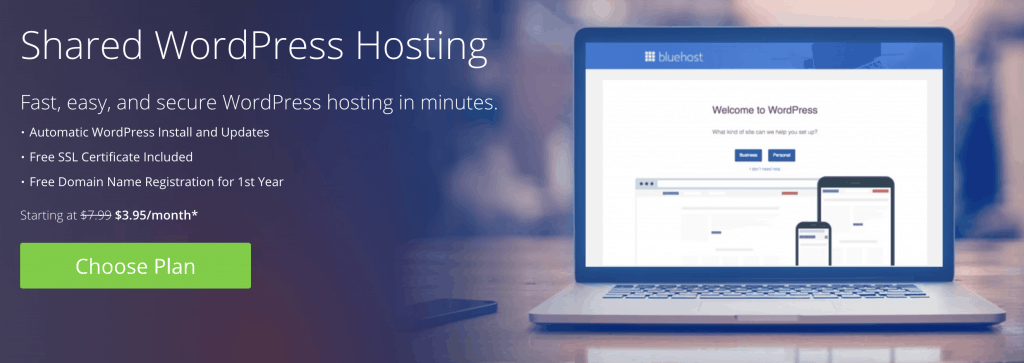
If you want to get started writing your blog right away and you don’t want to spend your time doing some cooltechnical stuff then I highly recommend Bluehost.
Bluehost will make the process of creating your website and your blog unbelievably easy because their main target is non-technical people; people who probably never coded a hello world programin their life.
You can only imagine how simple it is going to be for you.
Now let’s take a look at what Bluehost actually offers you.
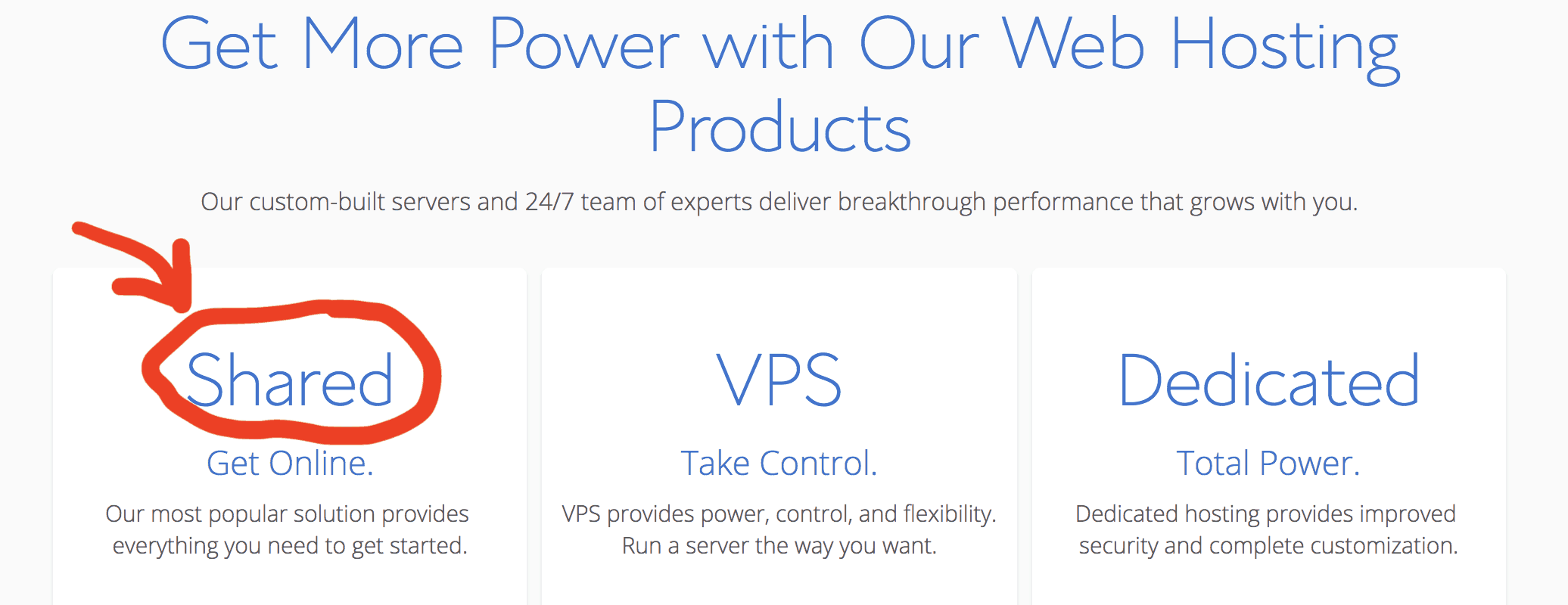
Bluehost offers different types of hosting.
The one I am specifically talking about is called shared hosting.
But before I tell you why I recommend shared hosting from Bluehost, let me first explain what each of these options means:
Shared hosting means that your website will live side by side with other websites on the same virtual machine. In other words, One virtual machine will be serving your site along with other sites at the same time.
VPS or Virtual Private Server is just a fancy word for a virtual machine. In this offer, you basically own an entire virtual machine and you have root access to it. You can connect remotely to this virtual machine, install applications, and do whatever you want as if you were working on your own laptop. Needless to say, this virtual machine will be serving your website and your website only.
Dedicated means that you will be renting an entire physical (not virtual) machine.
Now let’s go back to shared hosting.
Shared hosting definitely has its advantages and disadvantages.
The biggest advantage is that it is ridiculously cheap so it is an excellent choice especially if you are starting out or if you just want to play around and get comfortable with creating websites.
But there are some major disadvantages.
First, you lose control because you don’t own the virtual machine that your blog is running on.
Second, shared hosting is not going to be a viable option when your blog starts growing and a larger number of people start coming to your website.
So what is the best course of action?
Here is my strategy: for every website idea that you have, you should always start with a cheap Bluehost shared hosting solution and as soon as you notice that your website is starting to get significant traffic, think about upgrading to a higher tier solution.
Since I am comfortable with tech, I usually move my high-performing websites to Digital Ocean.
Case in point: afternerd.com and two other websites that I own are running right now on Digital Ocean.
Digital Ocean gives you a virtual machine that you have complete control over.
You can remotely connect to that virtual machine as root and do whatever you want with it.
One important point: this is only for those of you who are comfortable with Linux, installing and configuring web servers, databases, etc…
If you are not already familiar with these topics and you are not willing to learn, then I highly recommend against the VPS option in general (whether on Bluehost or Digital Ocean). You are better off using a higher-tier shared hosting from Bluehost.
At the same time, since you are a software engineer, I can’t stress enough the importance of the skills you will learn by creating your website from the ground up on a pure virtual machine.
Now that you have your web host in place, let’s pick a name for your website!
Step Two: Register your Domain Name
In this step, you will be registering your domain name.
To put it simply, your domain name is your website name
For example, the domain name of this site is afternerd.com
But let’s nerd out a little bit and explain how domain names actually work.
Each computer on the internet has an address called an IP address.
For example, to find out the IP address of google.com, you can do the following:
$ dig +short google.com
172.217.5.110
Notice that google.com actually has multiple IP addresses and this is just one of them.
To be able to communicate with any machine over the internet, you need to know the IP address of that machine.
So when you type ‘google.com’ on your browser, your OS will automatically try to translate the name ‘google.com’ to its IP address.
This happens by querying something called a DNS server.
You can think of a DNS server as a distributed database that is in charge of mapping domain names to IP addresses.
Alright, now with this information in mind, here is what you are going to do in this step.
1- reserve the domain name for yourself so that no one else can use it.
2- configure the domain name to map to the IP address of the machine you have from your web host.
Where can you buy your domain name?
First, before you go shopping around, make sure to check if your host offers a free domain name.
Sometimes hosting companies will offer you a free domain name for a year to incentivize you to host with them.
For example, Bluehost gives you a free domain when you host with them.
Another thing you must know is that registering a domain name gives you ownership of that domain for only one year.
So you will need to renew your registration every year to keep your domain alive.
Another fantastic service that I frequently use these days is Google domains.
It also has a very nice interface and is super easy to use.
Whether you go with Namecheap or Google domains (or any other service for that matter), you will need to configure your domain name to map to your IP address.
Step Three: Install WordPress
Let’s revise what you have so far.
You have a machine from your web host that is connected to the internet 24/7 and is ready to serve your website.
You also have a domain name so that people can visit your website by typing this domain name in their browsers.
Now it’s finally time to sit down, relax, and start writing your awesome blog posts.
Being the cool programmer that you are, you roll up your sleeves and think to yourself: “Finally! time to show off my HTML, CSS, and javascript skills” 🙂
Hmm well, not really.
Even though I recommend learning HTML, CSS, and javascript whether you want to start your programming blog or not, let me stop you right there for a second.
If you want to build your blog from scratch using HTML, CSS, and javascript, it would take you forever.
Why reinvent the wheel?
Use WordPress instead.
WordPress is a platform that the vast majority of blogs on the internet are built on (including afternerd.com).
Here is how the platform looks like.
As you can see, it has a very clean user interface.
It is also reliable, free, open-source, and very convenient to use.
With WordPress, you can literally publish your first article on the same day you sign up for your web host.
Now let’s see how you can install WordPress on Bluehost and on Digital Ocean.
WordPress on Bluehost
We talked before that with Bluehost you get convenience.
Case in point, Bluehost doesn’t require you to install WordPress. It comes preinstalled with your account.
You can roll up your sleeves and start blogging right away!
WordPress on Digital Ocean
Digital Ocean is a whole different beast.
Remember that with Digital Ocean you are getting control at the expense of convenience.
This means that installing WordPress is actually the least of your worries.
Before worrying about WordPress, you first need to install and configure a web server (apache or nginx).
Now that you have all the tools you need under your belt, it’s time to start getting comfortable with the WordPress platform.
But don’t worry, it is actually pretty basic and you can learn it on your own pretty fast in just a few hours.
I recommend starting by writing a couple of blog posts until you get the hang of it.
WordPress is actually very extensible.
This means you can install third-party tools that can integrate with your WordPress site and help you with all sorts of things.
For example, WordPress themes are meant to enhance the visuals of your blog.
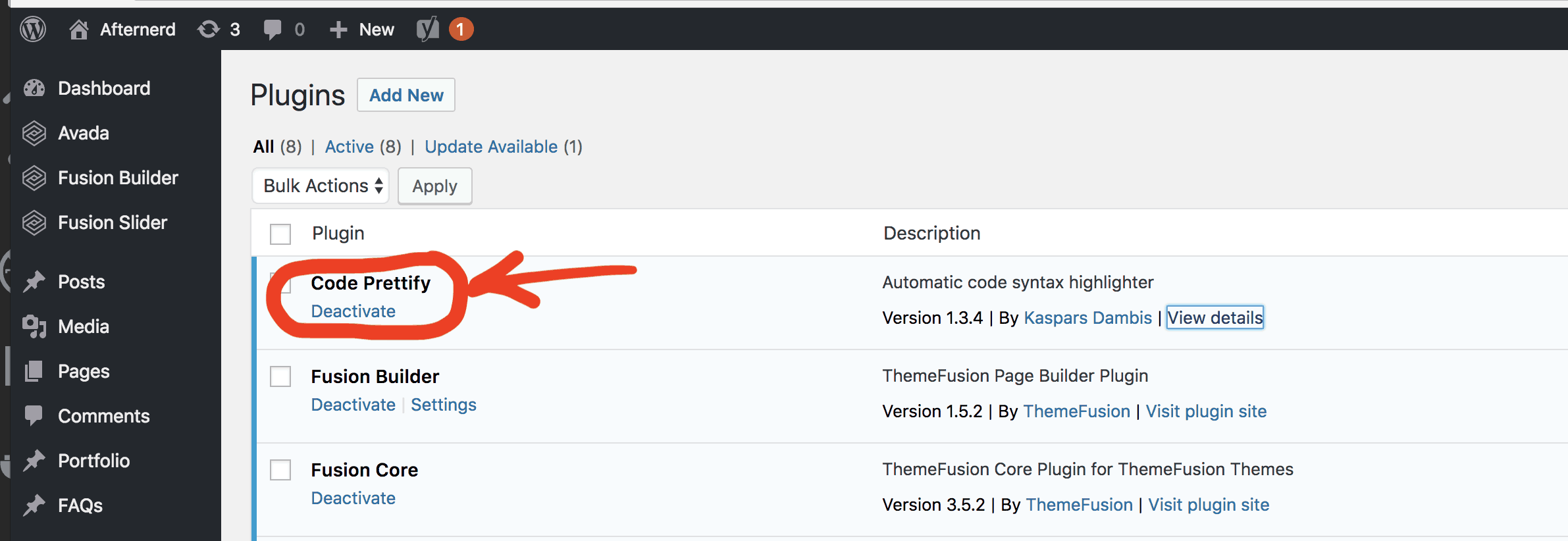
Plugins, on the other hand, are meant to extend the functionality of your WordPress site.
In the next section, I will talk about the themes and the plugins that you need for your programming blog.
Pick a WordPress Theme
Long story short, don’t use free WordPress themes.
Free themes are good when you are starting out and you don’t know what you’re doing but as soon as you decide to get serious then you will need to switch to better themes (which are usually not free).
Remember that your theme dictates how visually appealing your site will be and this is something you don’t want to skimp on…even for a technical blog.
Afterwards, all you need to do is put your code between <pre>and <code> tags and it will magically format your code correctly.
On afternerd, I also have some custom CSS that I apply to my code snippets to makes them look prettier.
So this is something that you should experiment with.
Now that everything is in place, let’s talk about your logo!
Step five: Outsource your logo and graphic design
By now, you should have all the fundamental building blocks of your blog in place.
But there is something missing.
You need a logo.
Your website has to be visually appealing.
Having a professional, well-designed logo will not only enhance the aesthetics of your website but it will also build trust with your readers.
Think about it, how many times have you been turned off by a website just because their logo and graphic design were a bit…sketchy? Probably many times.
A good logo is an integral part of your overall personal or business branding, it helps you get noticed in the world and among your peers.
Now I don’t know about you but my artistic skills are pretty much non-existent 🙂
And for that reason, here is what I do for all my logo designs and social media artwork: I outsource them.
There are two places that I personally use to outsource any graphic design.
1. Fiverr
Fiverr is one of the largest online marketplaces for freelancers with services starting at five dollars.
It is definitely on the cheaper side, and the services offered on Fiverr include a wide variety of categories.
One thing to consider if you decide to use Fiverr is to carefully check the reviews and work history of the freelancers you are willing to work with.
Fiverr is relatively cheap, but it is your responsibility to vet the good freelancers from the bad ones.
2. 99designs
99Designs is another great option for outsourcing your graphic design.
This option is going to be more expensive than Fiverr but the way it works is completely different.
Instead of hiring a specific freelancer to design your logo, you create a design competition.
After you create your design competition and clearly specify what kind of design you are looking for, tens of designers will compete with each other to win the competition by submitting designs that fit the criteria that you specified.
You receive tons of designs, you decide the winner, and then you get the rights to the design.
It is that simple!
I have personally used 99designs multiple times including the design of the logo for this website.
Step six: Market your Programming Blog
You see, it is one thing to go through all the steps of creating your blog, it is another thing to actually bring readers to your blog.
Marketing your blog requires a set of skills that has nothing to do with programming.
You need to learn about Online Marketing.
Actually, online marketing is a huge topic and there is no way I can do the topic justice by covering it in one article.
However, I am going to teach you some tips that will help you promote your blog and get it off the ground.
Social Media
The easiest thing you could do is to share your blog articles with your friends on Facebook, Twitter, or Linkedin.
You can also share your articles on Reddit but be aware that Reddit users hate self-promotion and promotion in general. So share your articles on Reddit only if they are relevant (for example, someone asks a programming question that you already wrote an article about).
Also, you can answer questions on Quora. This way not only will you be promoting your blog, but you will also be establishing yourself as an authority all while helping other people out.
SEO
SEO means Search Engine Optimization.
In English, this means getting traffic to your website from Google 🙂
This is hands down the best source of traffic to your blog because most of your consistent traffic will actually come from Google.
Instead of you actively promoting your blog, Google can promote your blog on your behalf if Google thinks that your article answers questions that users are searching for.
This is amazing! But don’t get me wrong, it is not easy and it takes time.
You see, when users search on Google, they typically click on one of the first 4 results!
The lower you are in the ranking, the less likely users will visit your page.
If you are on the second page of Google, you’ll probably get no traffic whatsoever. Trust me, I know 🙂
Now here are three tips to help you with SEO:
1. Write articles about topics that people are searching for
Let’s face it, not every topic you will want to write about is something that other people are going to be searching for.
To succeed, you need to make sure that you are writing articles about topics that people are already searching for.
You can use tools like Google’s keyword planner to help you identify topics that people are searching for.
But wait a minute, does that mean you shouldn’t write about topics you are passionate about if these topics don’t have enough search volume?
Absolutely not.
What I am saying is that you will most likely need to rely on other methods of promoting this type of articles outside of Google.
For example, you can use social media, Reddit, hacker news, or even link to these articles from other SEO-friendly articles on your blog ;).
2. Write evergreen articles
Most of your articles should be evergreen.
By evergreen, I mean articles that are going to be relevant for a long period of time.
For example, writing an article about “Python Generators” is definitely more evergreen than writing an article about “What’s new in Python 3.6”.
The reason is that evergreen articles are a better investment of your time because these will keep bringing new readers to your blog for years and years to come whereas non-evergreen articles will only be relevant for a shorter period of time.
3. Write amazing articles
This is actually crucial.
Honestly, Google is doing an amazing job bringing the best articles to the top of their search results (most of the time).
This means that you should focus on writing articles that are better than those of your competition.
If you do that, you will be fine. It is really that simple. Quality over quantity.
One final thing, be patient.
Sometimes it can take up to 6 months before a new article on your blog can bring any traffic from Google.
SEO is a marathon, not a sprint, but if you actually enjoy writing and teaching people about programming and computer science, then being patient isn’t going to be that hard.
Conclusion
Starting a programming blog can be very useful for you on so many levels.
To be able to start blogging right away, you need to pick a good web host, a brandable domain name, a visually appealing WordPress theme, and install some plugins that will help you with writing code snippets in your blog.
It’s important to follow trends in your field to ensure you’re staying current on standards and protocols and perhaps more so in the field of coding. Programmers of all specialties can benefit from following industry-leading blogs to stay aware of the latest technologies.
If you’re a coder of any sort you’ll want to subscribe to these useful programming blogs written by the top blogging coders.
Each of these bloggers has made a name for themselves in the programming community by sharing relevant, high-quality information and tips for coders. They maintain their respective blogs well and keep current information posted on a regular basis.
By following the best programming blogs you’ll find tips and shortcuts you may never have otherwise thought to try. Consider using an RSS feed reader through your phone or desktop browser to automatically download each new post from these top coding bloggers.
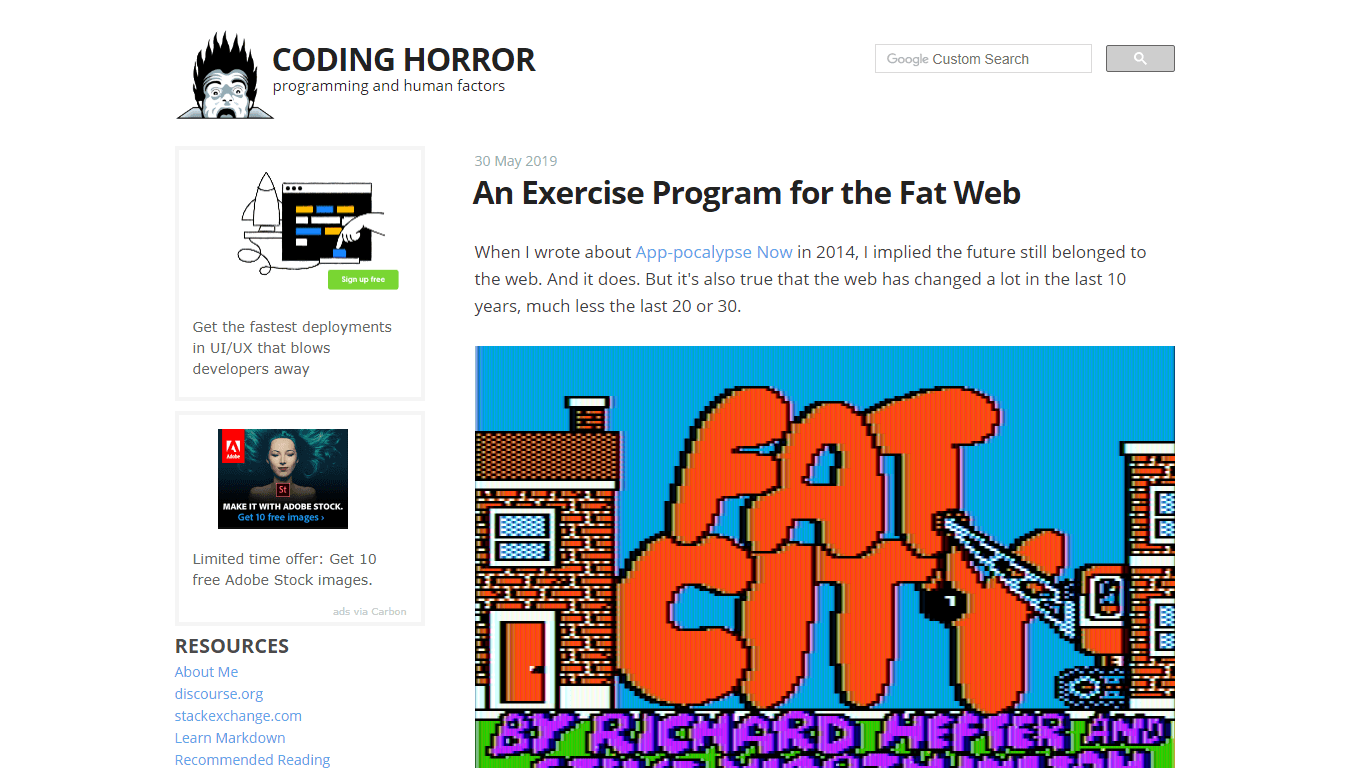
Coding Horror
Coding Horror was started in 2004 by Jeff Atwood, an experienced software engineer from Berkeley, CA. Jeff’s experience, as well as his awareness of the human side of technology, makes his website one of the best programming blogs for anyone interested in web development, software engineering and computers in general.
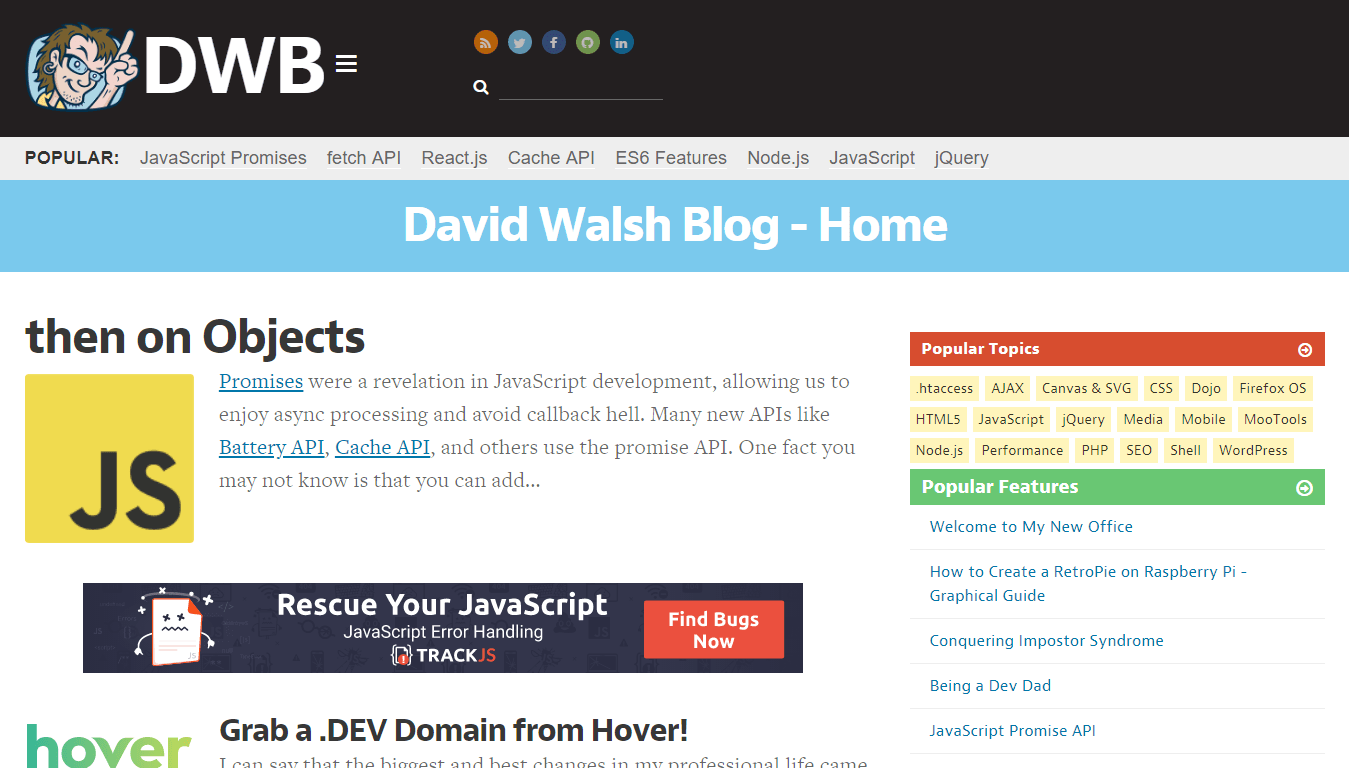
This popular coding blog focuses on modern libraries, programming tutorials and shortcuts for programming in JavaScript. David Walsh and his guest bloggers provide daily posts and commentary to help you learn how to code quicker and more efficiently.
On his blog, you’ll find everything from how to build a video player using React to using Node.js and mastering advanced HTML/CSS techniques by subscribing to this leading programming blog.
Several bloggers contribute to this code-based blog to create a highly informative and entertaining stream of posts. Follow this programming blog to learn about issues affecting web accessibility, user interfaces, programming languages, front-end development and HTML/CSS.
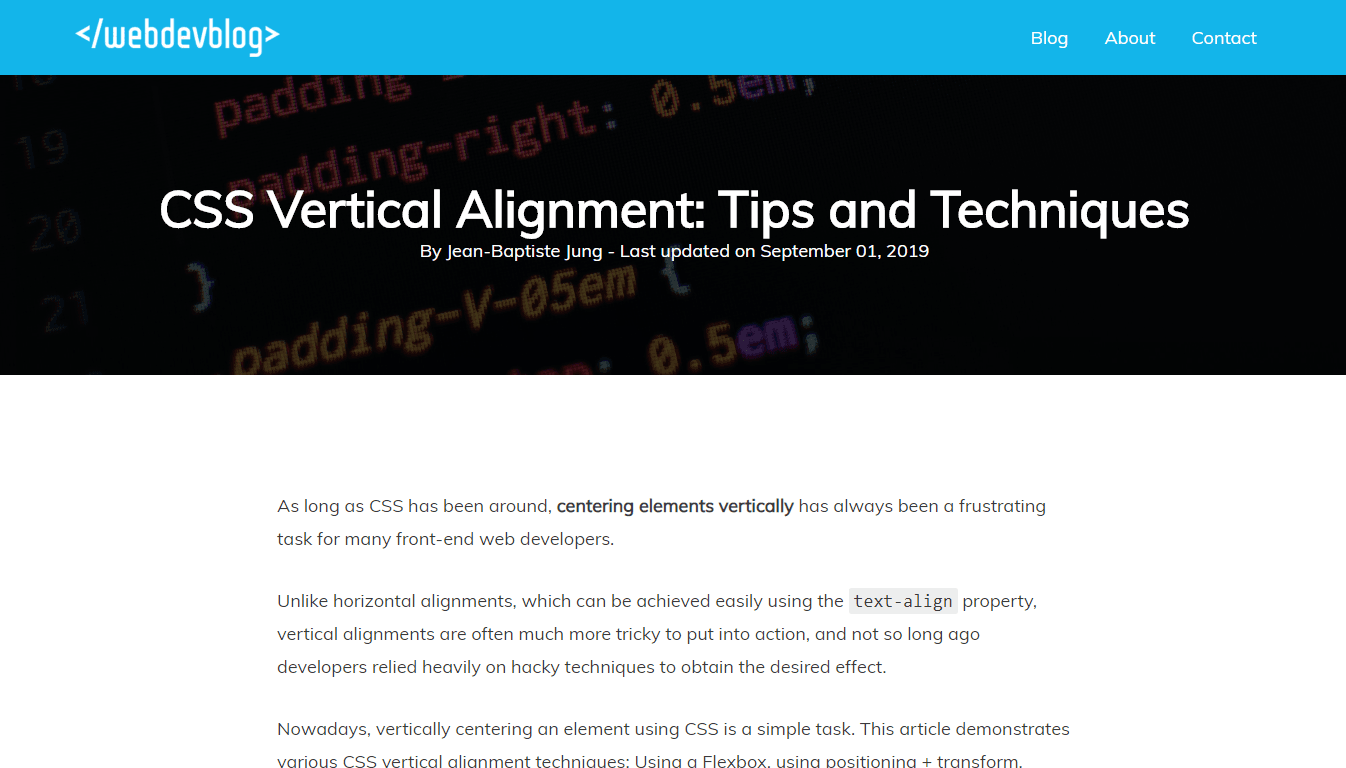
WebDevBlog is a new web development blog that I created a while ago. It contains in-depth articles about everything important for web developers: HTML/CSS, JavaScript, PHP, React…
Despite being relatively new, WebDevBlog articles and guides have been featured in high-profile blogs as such as WebDesigner Depot.
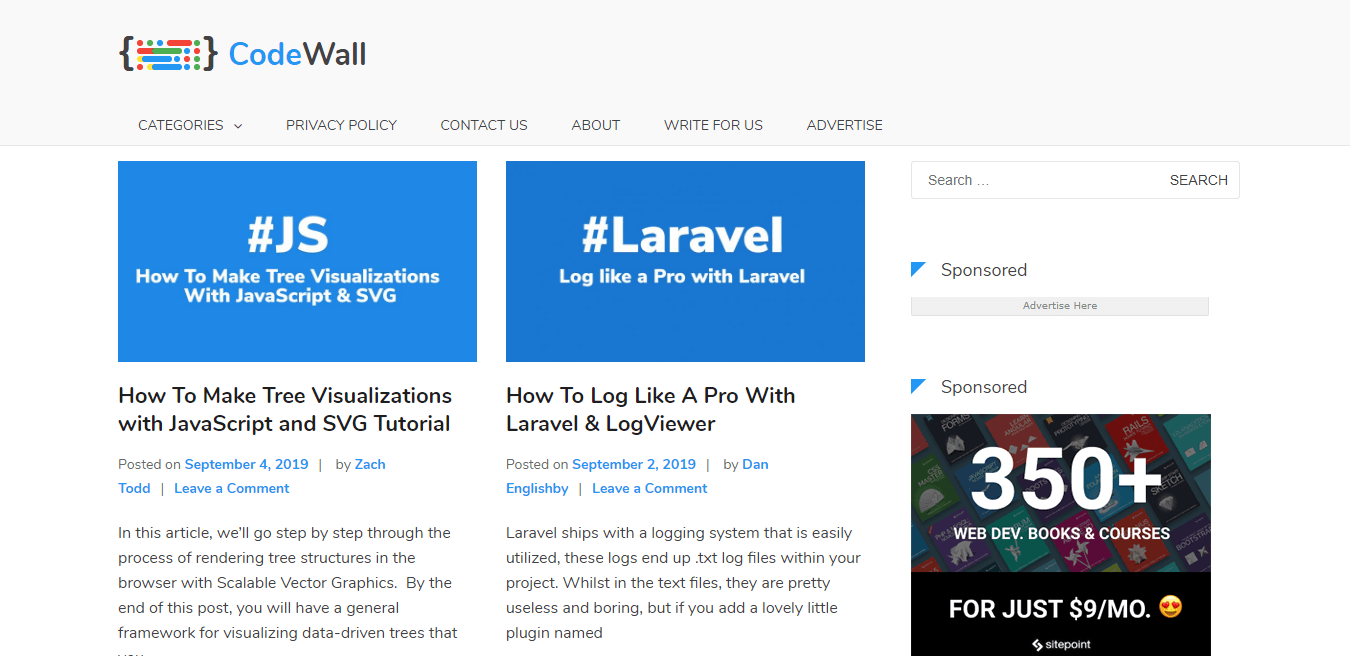
Created by British web developer Dan Englishby, CodeWall is a website providing useful, in-depth tutorials for both front-end and back-end developers.
CodeWall has many articles on topics as such as HTML/CSS, Node.js, JavaScript, and PHP that will appeal to both motivated beginners and experienced coders.
A space where you’ll find comments on technology trends and news regarding coding practices, software development and IT nearshoring.
Run by IT professionals and software engineers from Future Processing specializing in .NET and Java development whose knowledge extends beyond internal know-how and almost 20 years of experience, drawing on the expertise of their clients and partners.
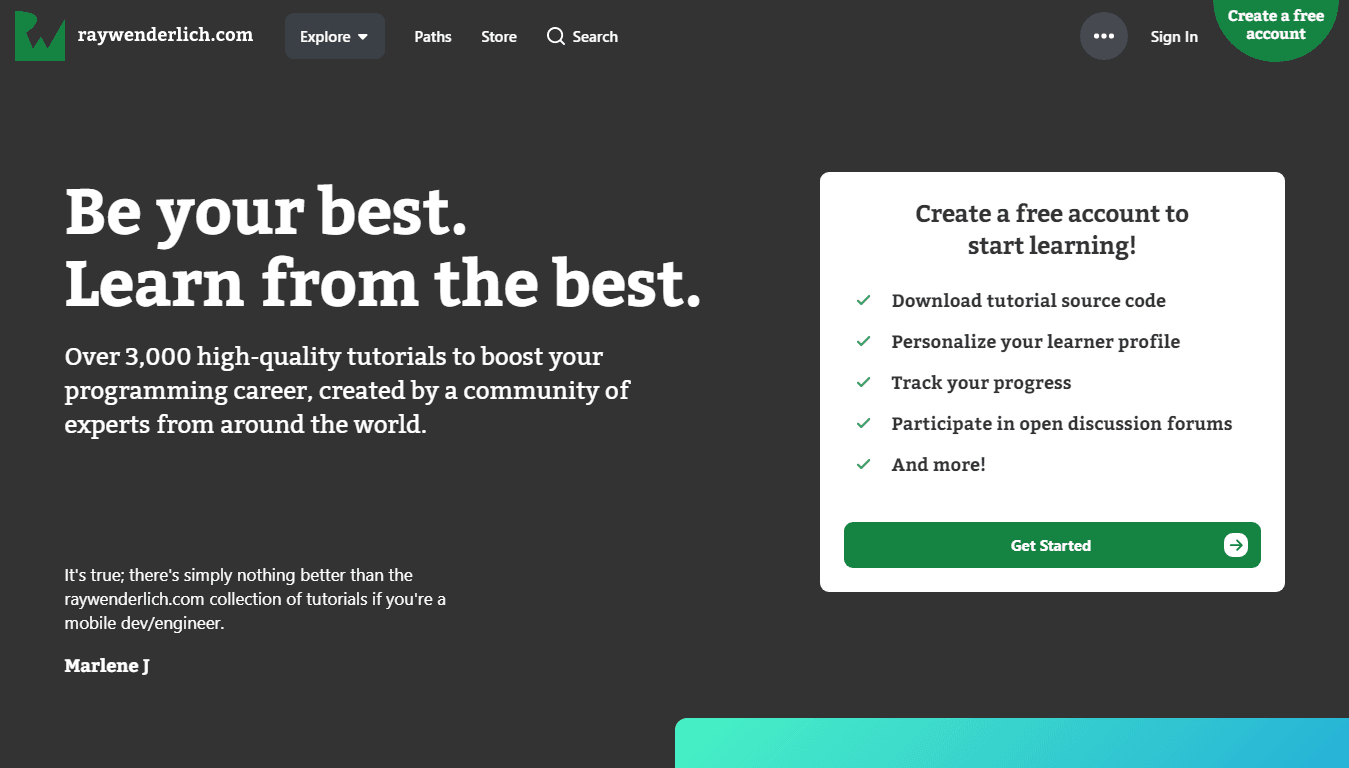
Ray Wenderlich’s programming blog is among the most trusted and highest quality on the market. It contains posts and videos for programming applications for Android and other environments.
The blog also contains a podcast for those who wish to learn by listening while on the go or taking a break. This blog contains thousands of posts and over 3000 step-by-step programming tutorials.
Erik Bernhardsson is an excellent blogger and coder with a programming blog that examines issues affecting all coders like Git repos, IDEs, naming conventions, and Windows support issues for various coding software.
If you’re interested in coding from a corporate perspective, or want to pick up some quick tips for your next project then you should check out this minimalist, well-written coding blog. Bernhardsson also covers issues affecting programmers in the broader sense like conversion rates and SaaS (Software as a Service.)
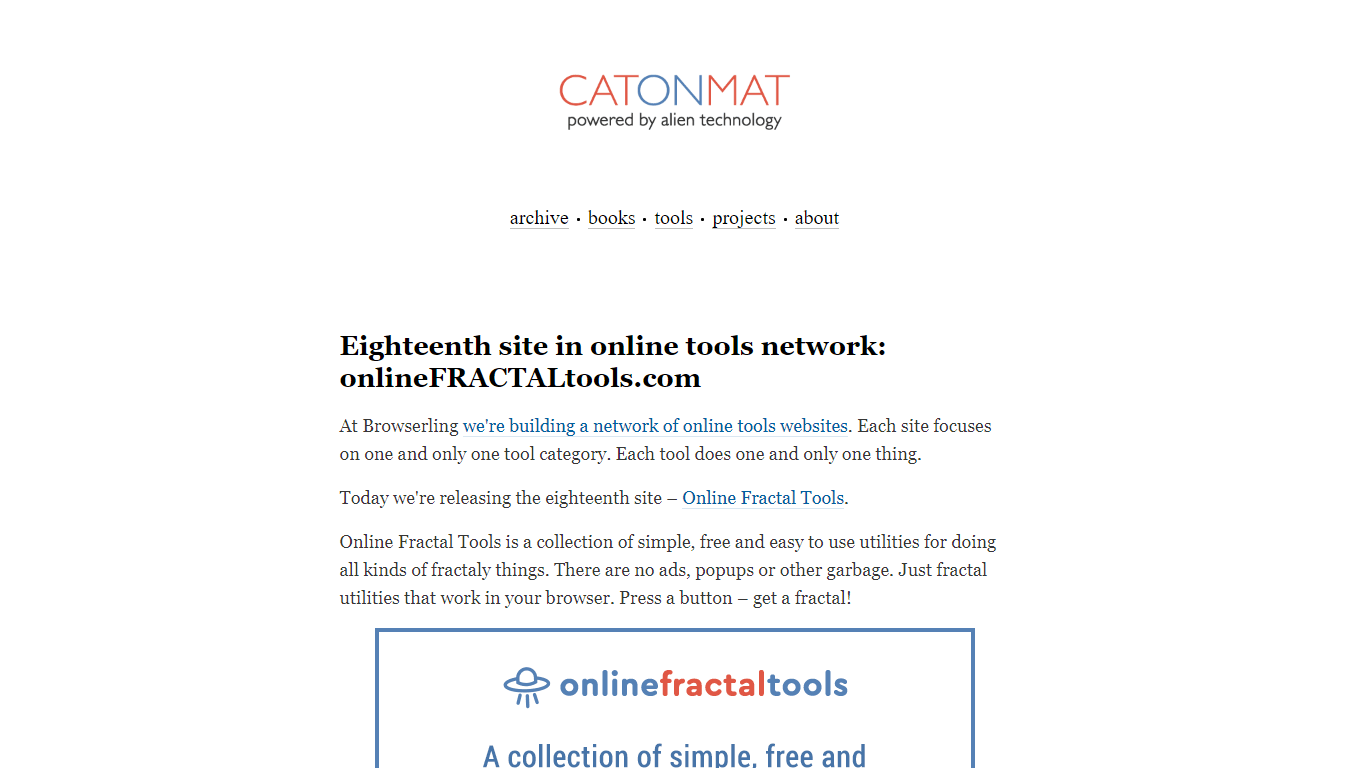
This unique coding blog is dedicated to covering topics JavaScript libraries, tools, XML, JSON, and even binary. The CatOnMat blog is written by well-known programmer Peteris Krumins and is regularly updated.
This blog has been up and running since July of 2007 and has gained many followers over the years. You can also read about Perl on this blog, as the author has published a book on the language.
If you are interested in web development and web design, then you should consider this blog a must-read. The Web Designer Depot covers topics ranging from backend server-side coding to frontend functionality and design.
There’s a lot of development articles and tutorials posted to this website to help developers and designers better understand the code that makes the web work. This blog covers topics like web hosting standards and element design and construction.
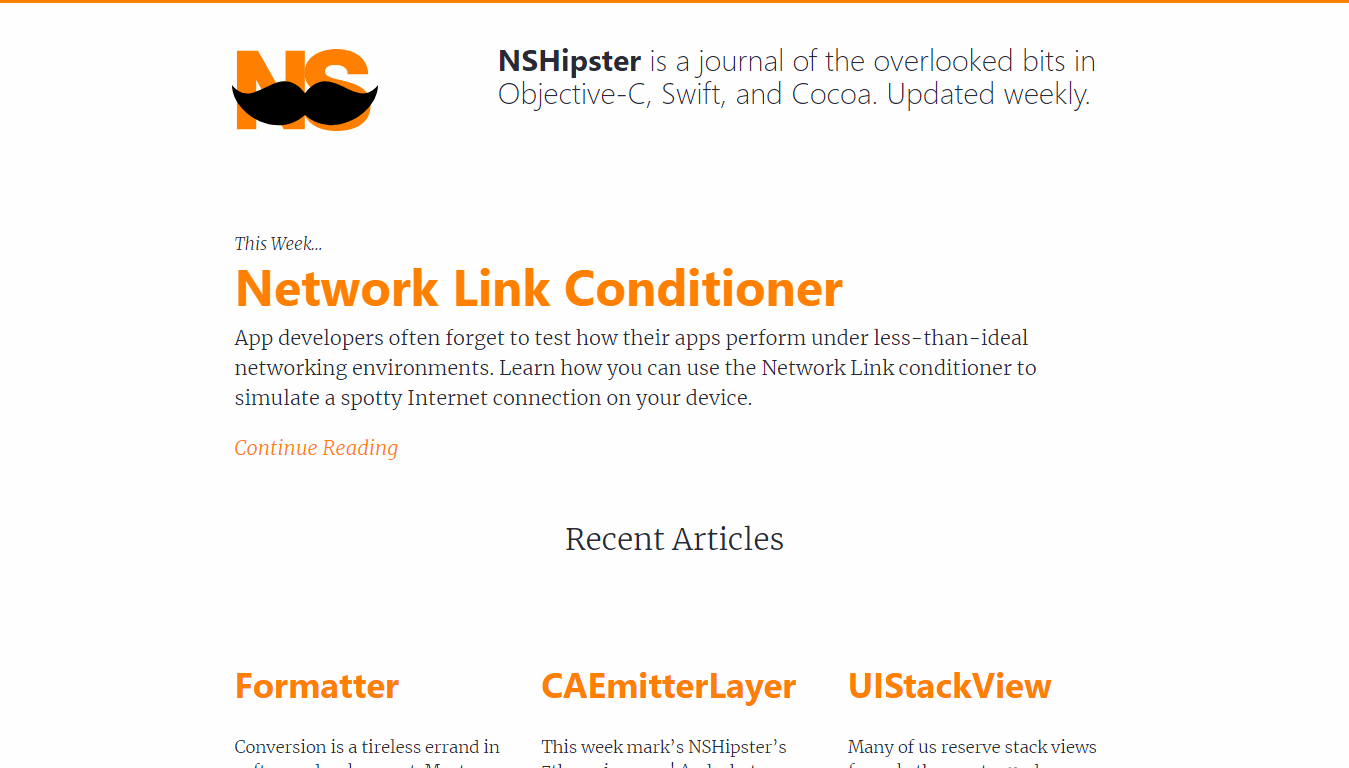
The NSHipster blog is written for those who code in Objective-C and want to find rare and useful facts and tips about the language. It covers Swift and Cocoa for a comprehensive study of all things Mac-related.
If you are a software engineer and program for Mac products or iOS then you should definitely add this blog to your RSS feed, as you’ll find great information on a weekly basis.
Many programmers are familiar with CodePen and its popular projects library where coders can share and download libraries and other code but some may not be aware of the brilliant blog section of this website.
CodePen offers blog posts several times per week on subjects like web development, programming languages and open source tools.
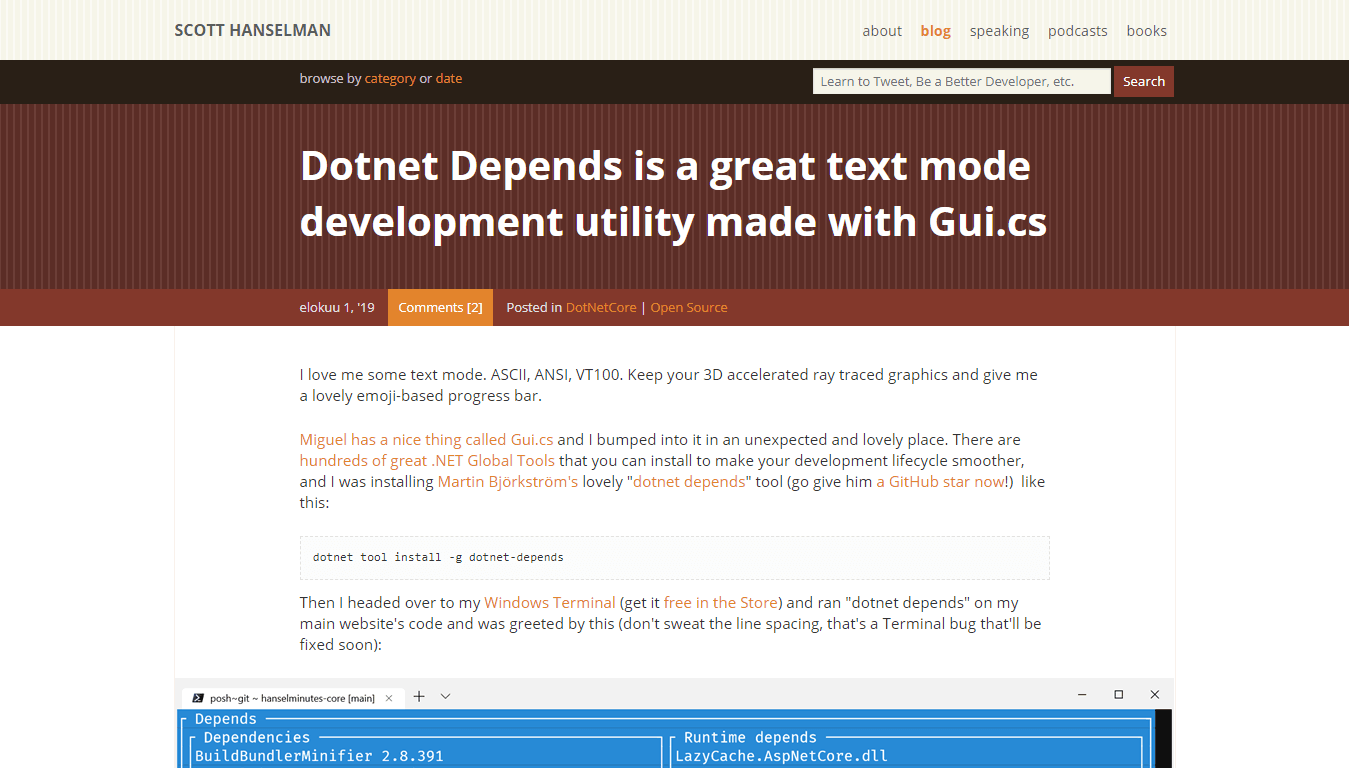
Scott Hanselman runs a fascinating blog that covers issues like .NET programming and web applications. You can learn how to setup an IIS web hosting server and create .NET applications by following some of the tutorial posts on this coding blog.
Scott Hanselman posts a few times a week on this venue and keeps readers informed about new trends in programming, conventions, and protocols.
David Ford is a programmer and blogger with an excellent coding blog at Medium. He covers topics like web development, UX, templates, JavaScript web apps, and mobile applications. This blog will help you make the best of your web hosting and design environment with its useful tips on efficiency.
This blog also contains opinions on the future of certain languages and how search engines are beginning to rank development features. Keep an eye on this blog if you write code for the web or need to stay informed about trending languages and libraries.
I’ve been reading this great programming blog for over a decade and Hongkiat has allowed me to learn a lot of useful things and keep up with modern techniques and tools.
Hongkiat features daily blog posts about various programming languages, web development, and web design.
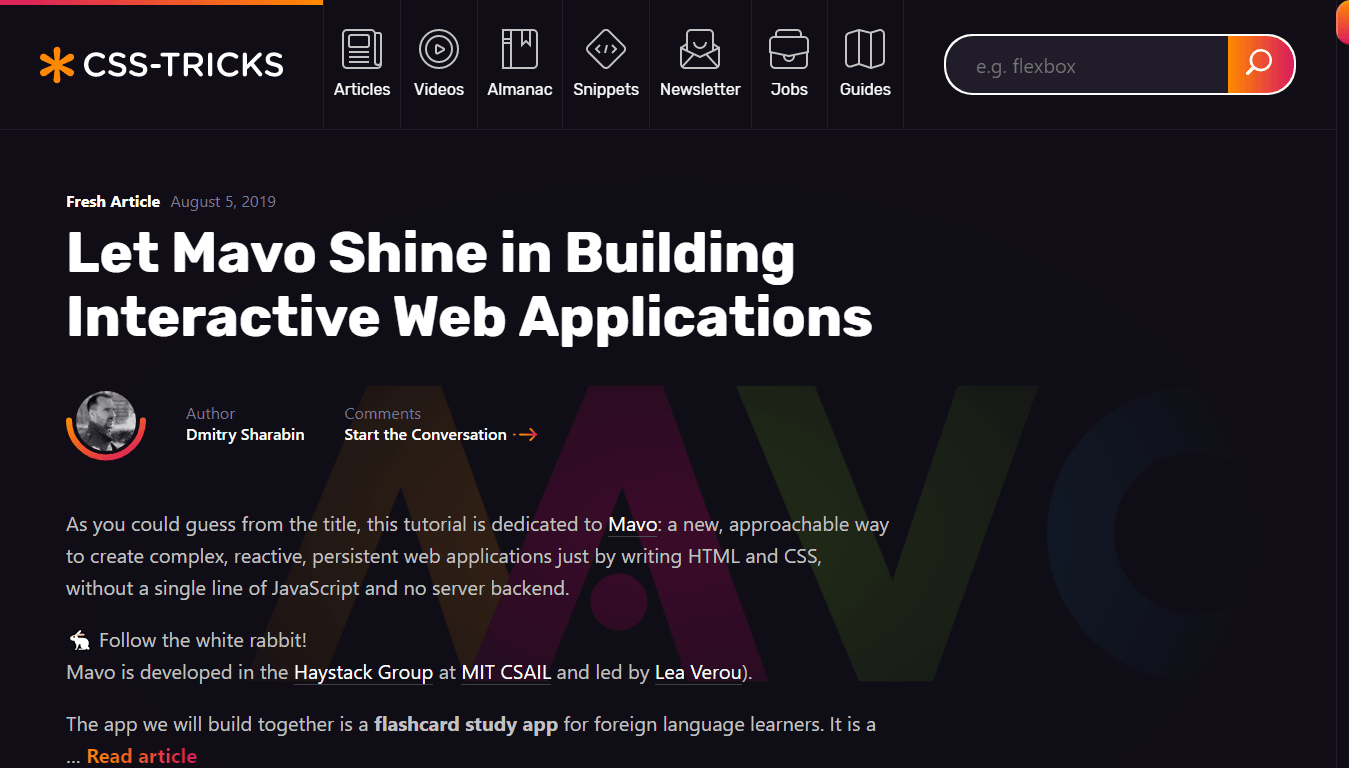
A personal favorite of mine, CSS Tricks offers amongst the best programming tips available when it comes to topics as such as CSS, JavaScript, UX, and web design.
CSS Tricks is one of the best programming blogs for front-end developers. The site not only features articles, but also a vast library of reusable code snippets.





























 Superior Programmer

You must be logged in to post a comment.